AI Hairstyle Generator
Upload a portrait and try a free AI hairstyle generator. Pick a cut, see the preview and download the idea for your new hairstyle.
Gender
Hairstyle
Hair color
Keep natural
Length
Texture
Sign up free to use the tool
Upload your photo
Result preview
Upload photo
Pick a style
Generate preview
Free AI hairstyle generator
See realistic hairstyles on your own photo
SmartHairstyle helps you preview realistic haircut ideas on your own photo. Upload a portrait, choose a style and try a bob, bangs, waves, short cuts, fade and men’s hairstyles.
Free account
Quick sign-up with email.
Realistic preview
Face and background stay unchanged.
Download result
Save the image as a reference.
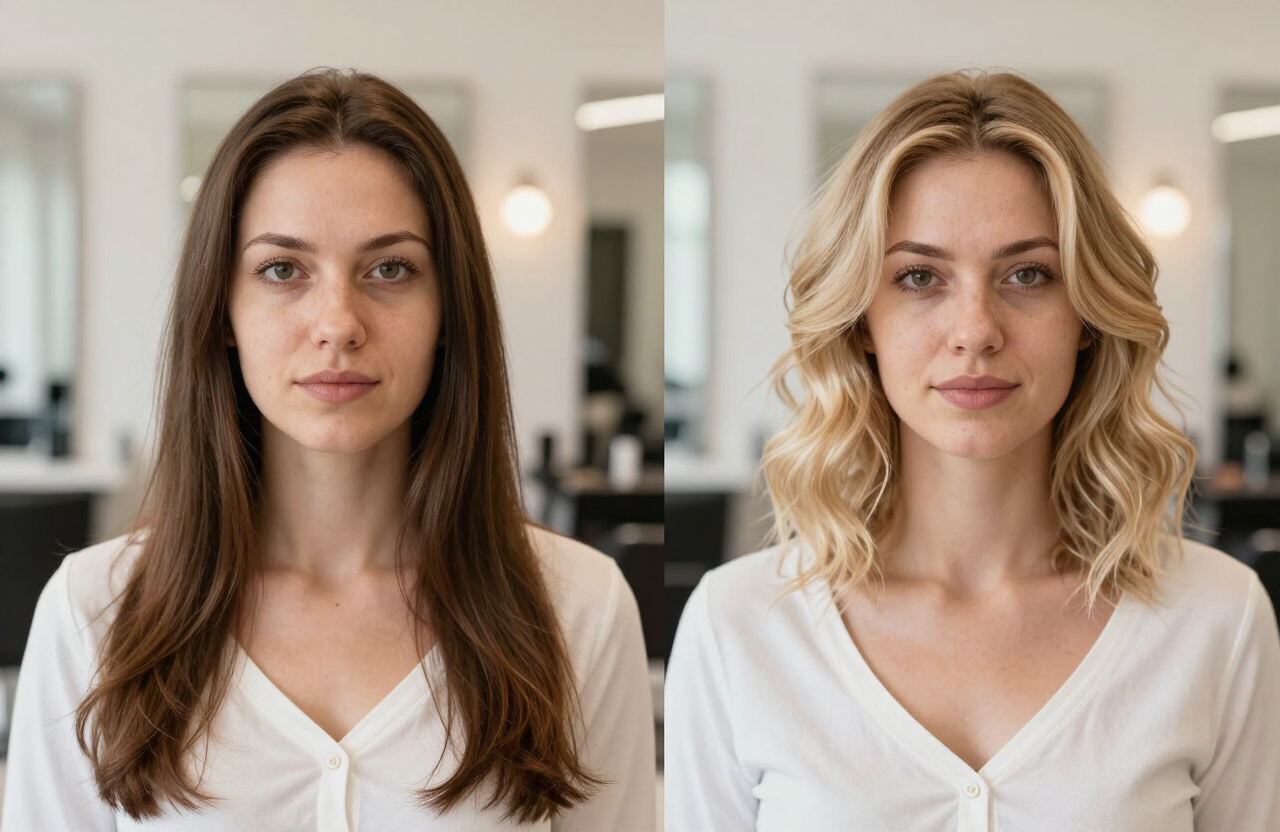
Hairstyle simulator
Try popular styles
Test recognizable haircut directions instead of vague beauty filters. The goal is a preview you can compare and evaluate.
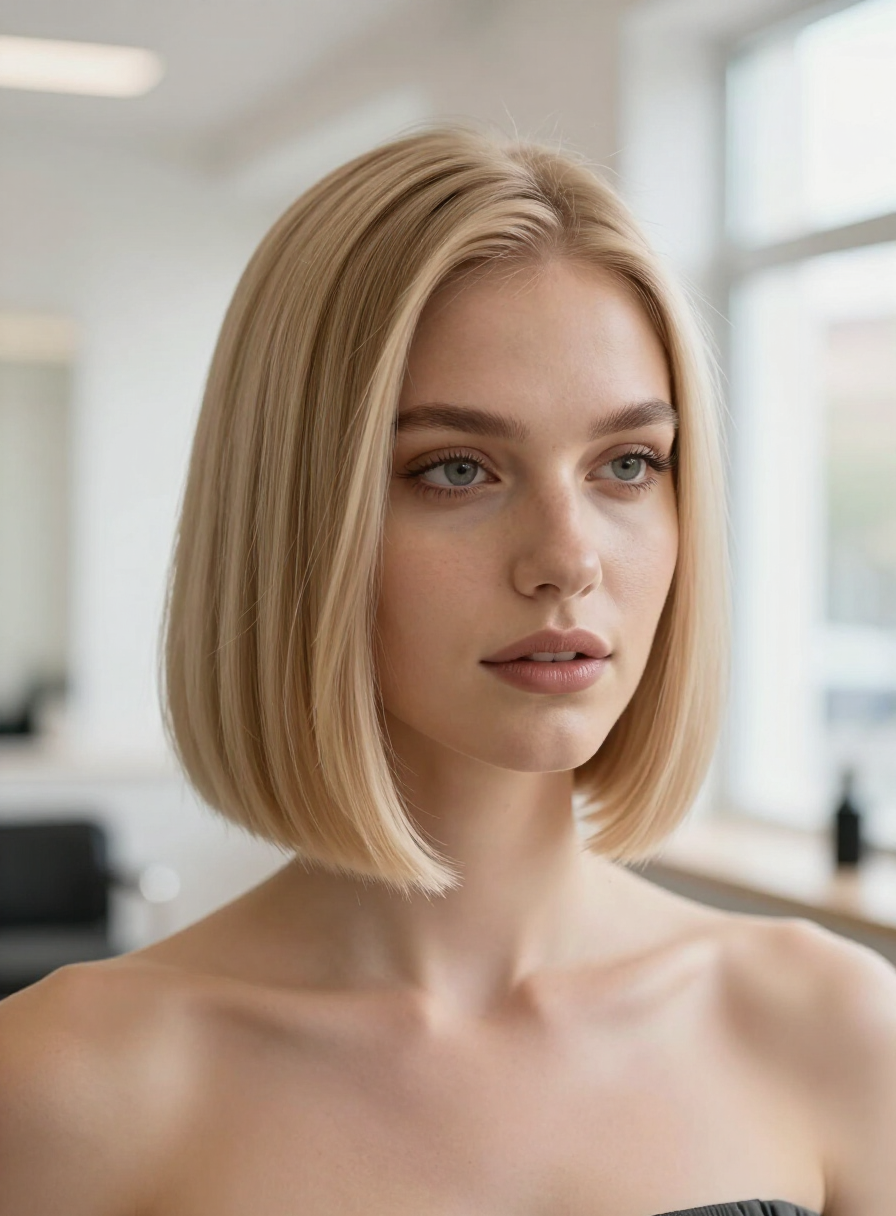
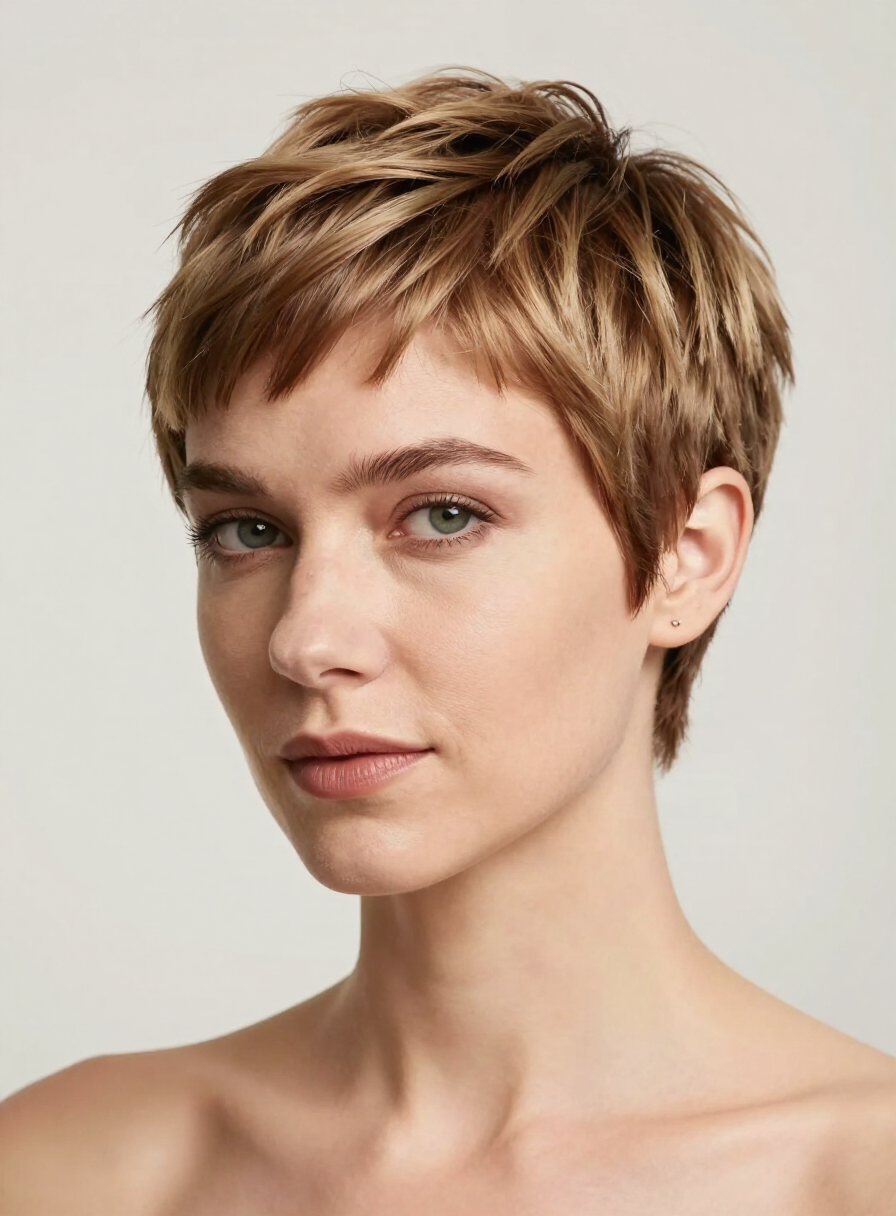
Bob & short cuts
Elegant bob, pixie, buzz cut and clean short styles before a big change.
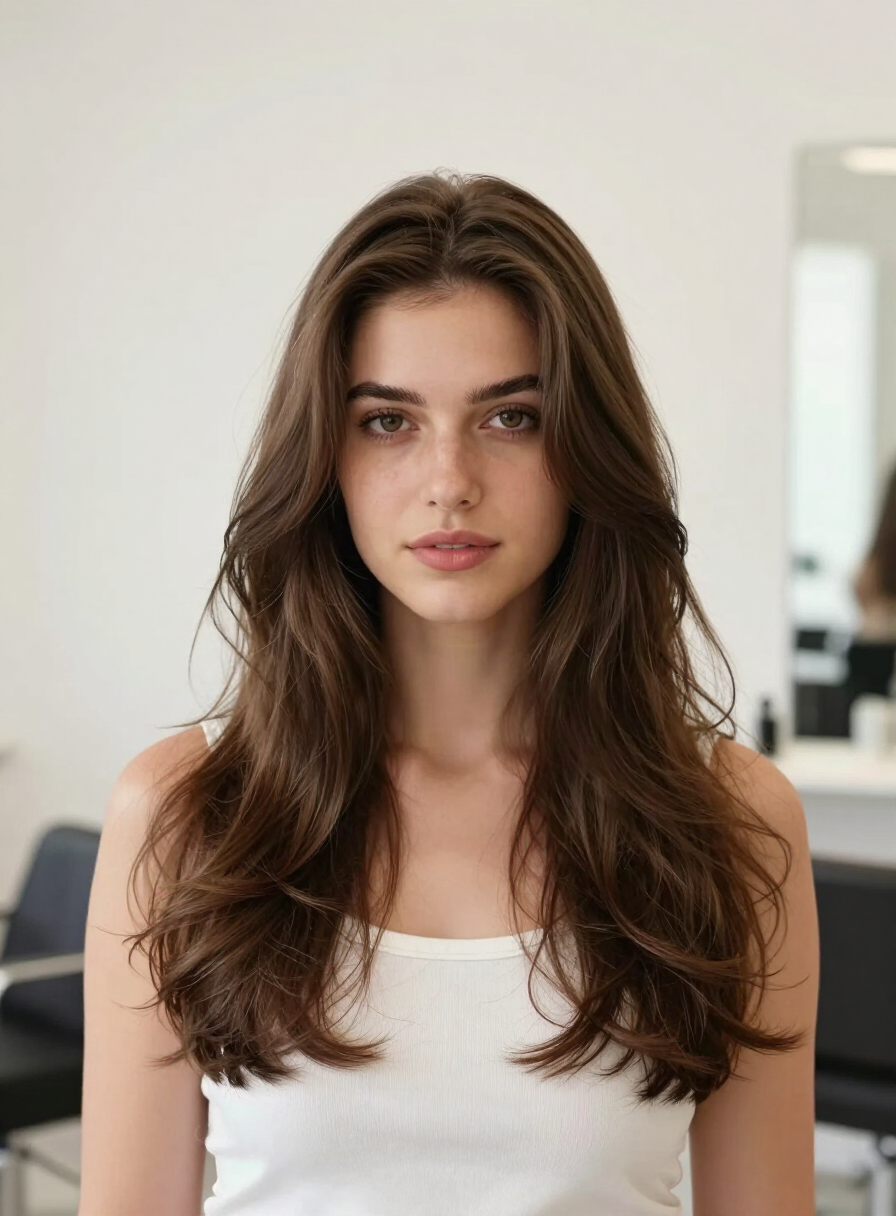
Long waves & layers
Long straight hair, soft layers, beach waves and movement around the face.
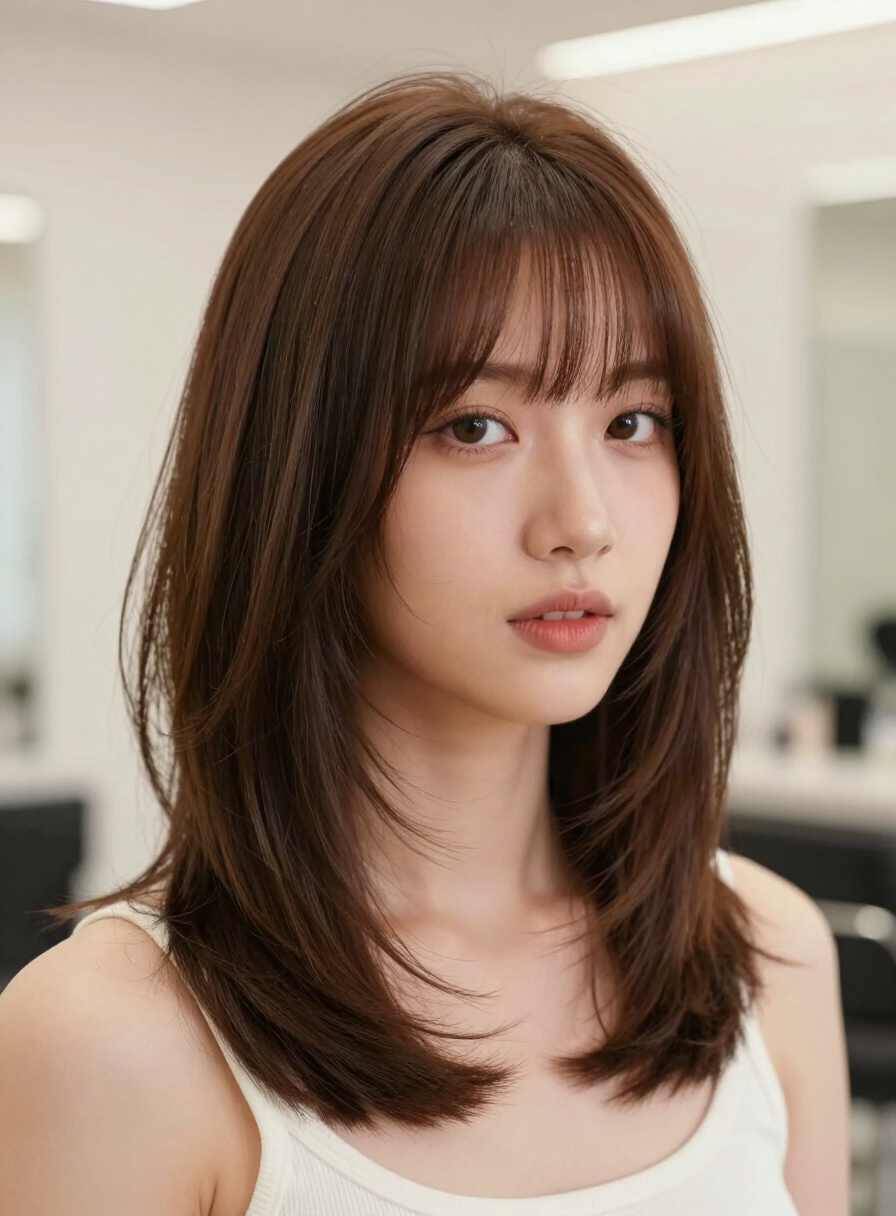
Bangs & layers
Compare curtain bangs, fringe, volume and shapes around the face.
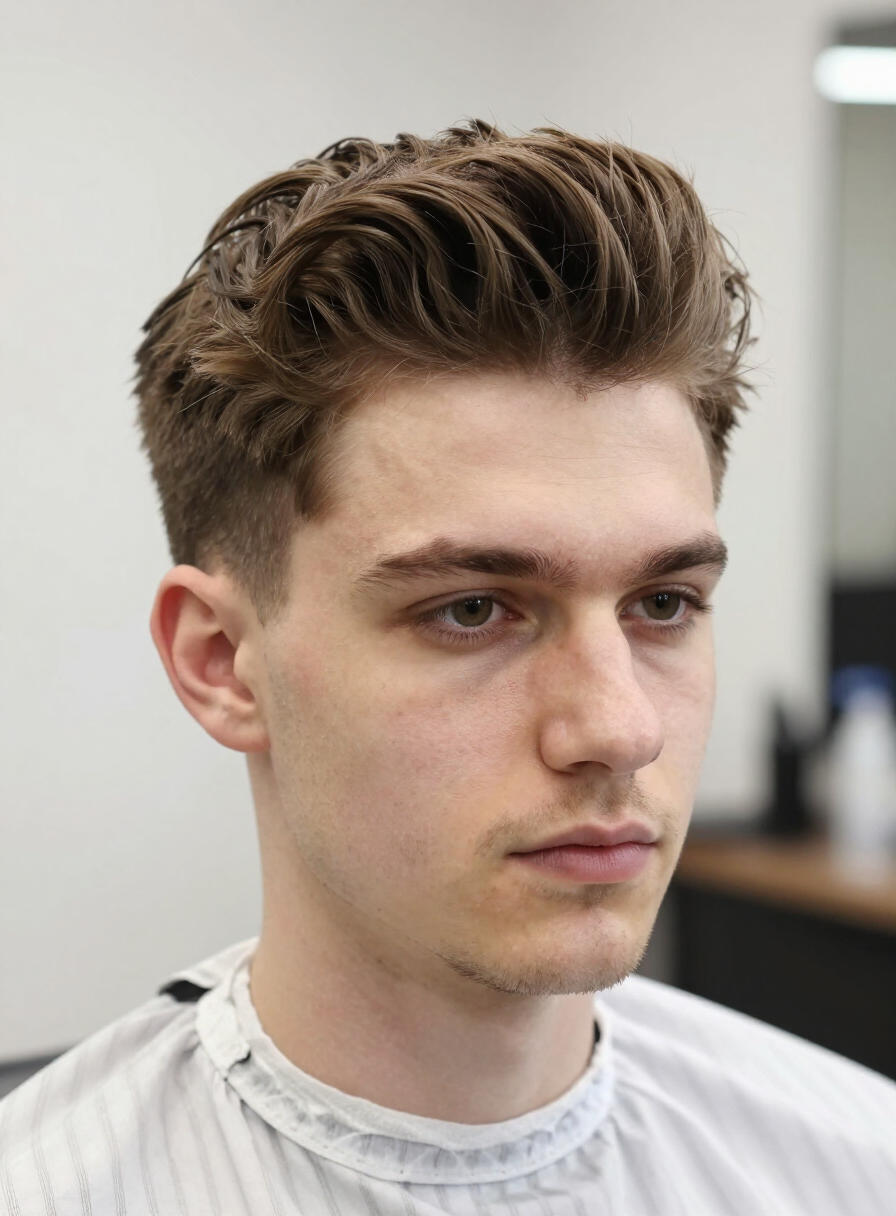
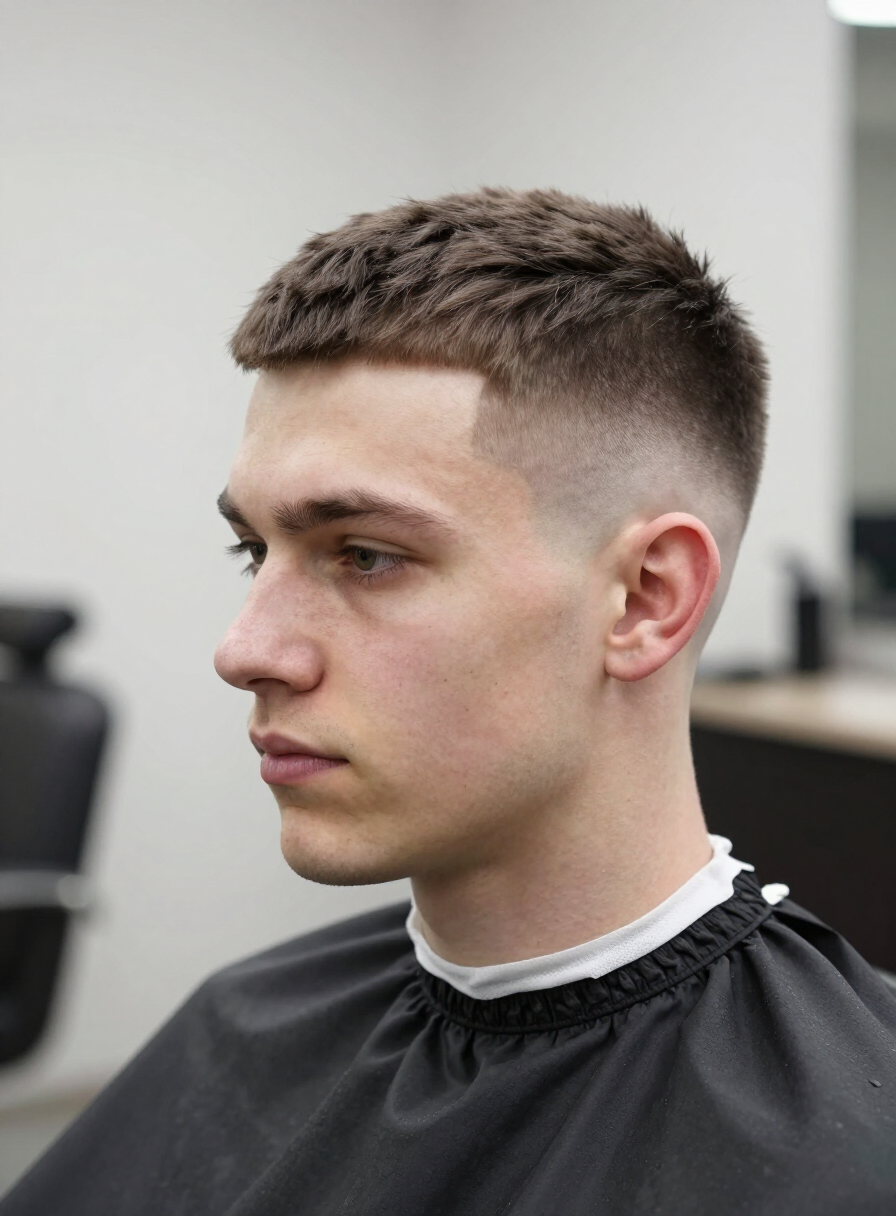
Men’s hairstyles
Quiff, fade, pompadour, slicked-back styles, bleached cuts and wolf cut.
How it works
How to use the free AI hairstyle generator
The process is intentionally simple: upload a portrait, choose a hairstyle, generate a preview and download the result.
Upload a clear photo
A front-facing portrait where the hairline, face shape and jaw are clearly visible.
Choose a hairstyle
Bob, pixie, bangs, waves, fade, quiff or another style you want to try.
Generate a preview
AI creates a realistic preview and keeps the face, pose, clothing and background.
Download the result
Save the preview as a visual reference before visiting the salon.
Better input, better output
Use a photo where the haircut is easy to judge
Previews are most reliable when the face is clearly visible in the photo. Treat the result as a visual starting point and adjust the final cut with your stylist.
Photo checklist
- A single-person portrait with a clearly visible face.
- Hairline, forehead and jaw should be uncovered.
- Avoid heavy filters, shadows and hats.
- Pick a style that fits your daily routine.
FAQ
Frequently asked questions about the AI hairstyle generator
Is the AI hairstyle generator free?+
Yes. Sign-up is free and every user can create an AI hairstyle preview on their own photo.
What is the AI hairstyle generator?+
The tool uses your uploaded portrait photo as a base and creates a preview of how a chosen hairstyle would look on you.
How realistic is the preview?+
AI keeps your face, pose, clothing and background unchanged and changes only the hairstyle. Use the result as a visual reference, not as a guaranteed outcome at the salon.
Which hairstyles can I try?+
Bob, pixie, long straight hair, beach waves, layered shag, curtain bangs, plus men’s styles: quiff, fade, pompadour, slicked back, buzz cut and wolf cut.
Do I need to sign up?+
Yes, a free account and email verification are required — this keeps the tool fast and available for everyone.
How long does generation take?+
Most previews are ready in about one minute. Keep the page open while it processes.
What kind of photo works best?+
A clear front-facing portrait with natural light. Avoid sunglasses, hats and strong shadows.
Does AI change my face?+
No. The instruction is designed to keep the face, pose, clothing and background — only the hairstyle changes.